Simulations for training 3D simulations that run in the browser
A simulation in Edusimo is the part of a lesson where the learner does something: looks around, points, makes a decision. It runs in the browser on a computer, phone or tablet, with no install, and the result goes into the report.
What a simulation looks like
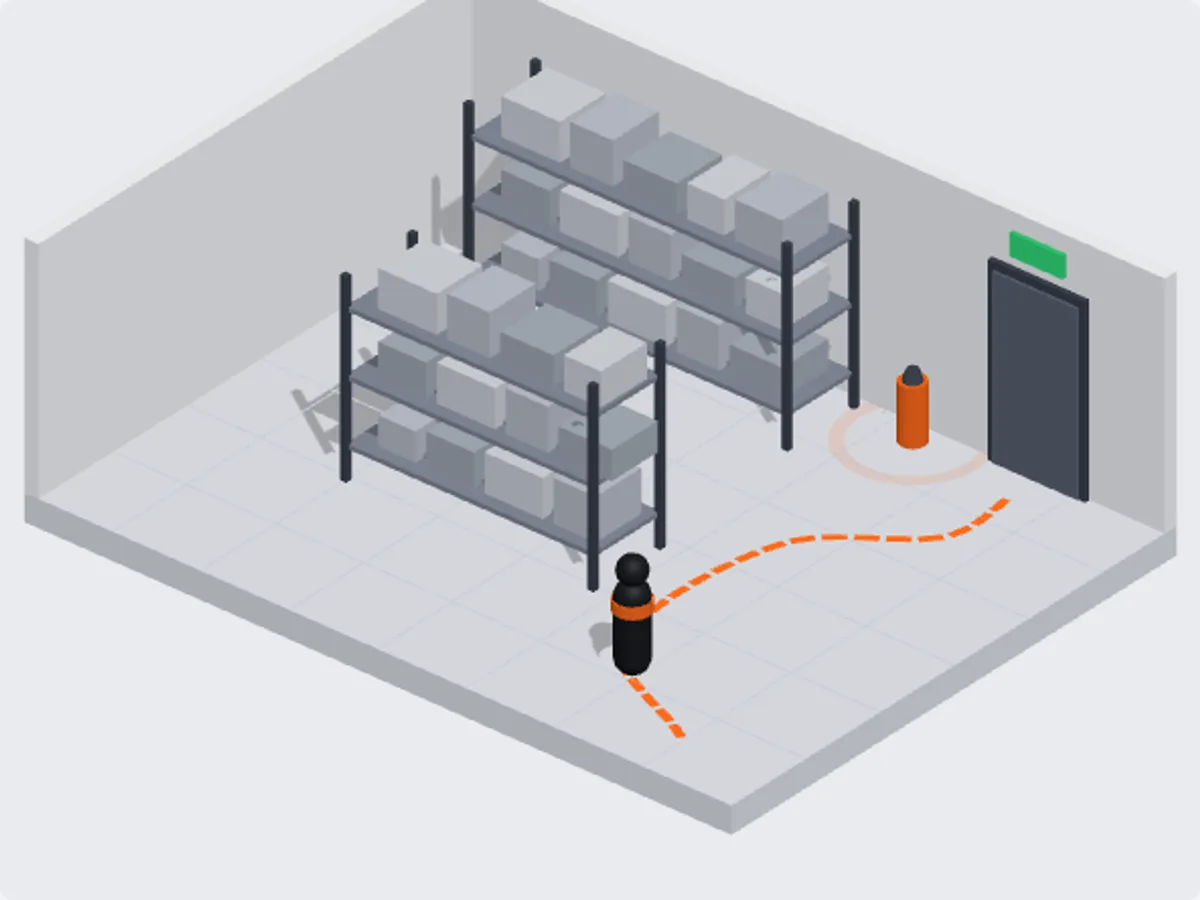
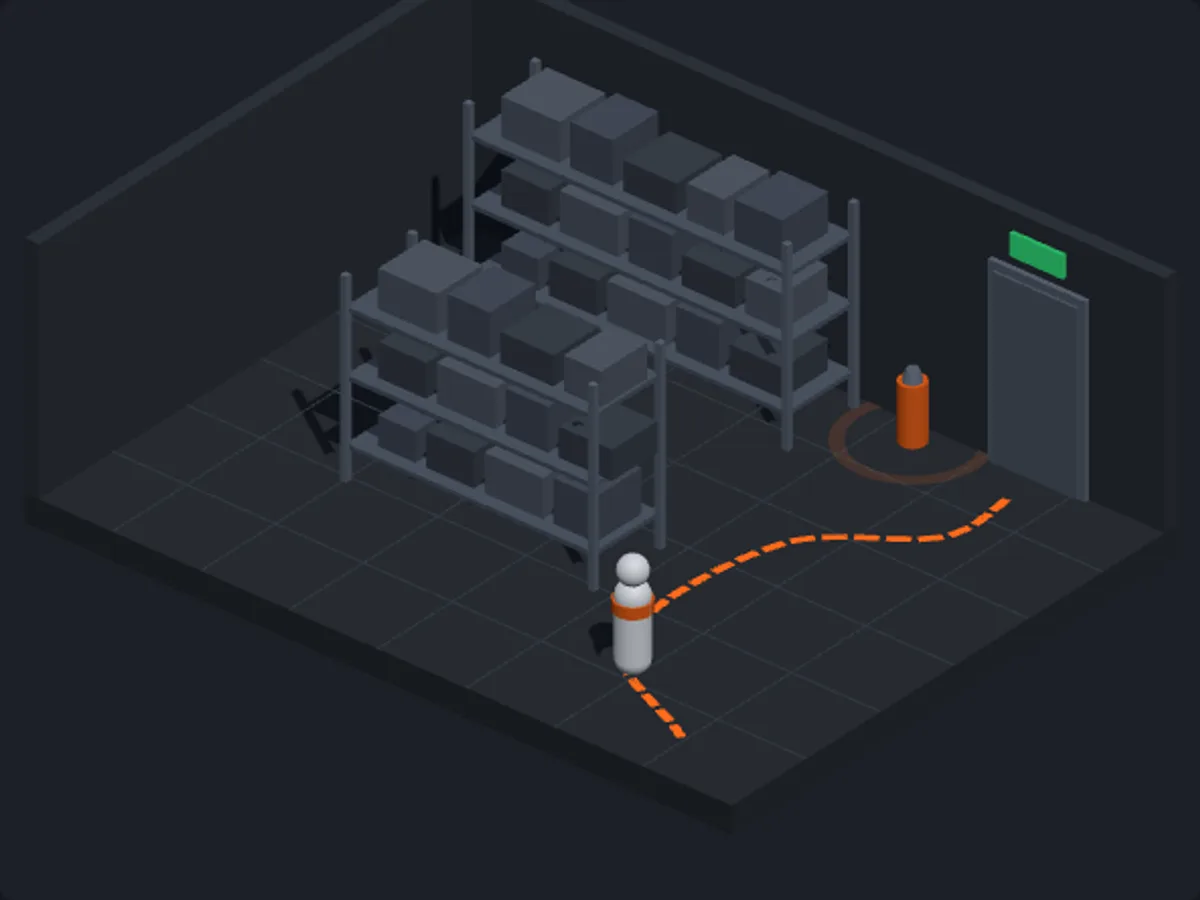
The learner enters a 3D scene with one job: look around, find what needs checking and make a decision. Markers in the scene lead to the goal, and the controls work with a mouse, a keyboard or a finger. We are preparing the first simulations for the courses.
In progress Simulations for the courses are in progress. We will show them on a demo.
How a simulation works in a course
It opens inside the lesson
No separate app to find. The simulation loads in the player, between slides.
It has one job
Find, point, decide. Short and to the point, not a free walk around.
It works on a phone
Mouse, keyboard or a finger. Without WebGL the learner gets a description and can move on.
The server records the result
Completion is decided by the server, not the browser, so a result cannot be faked with a click.
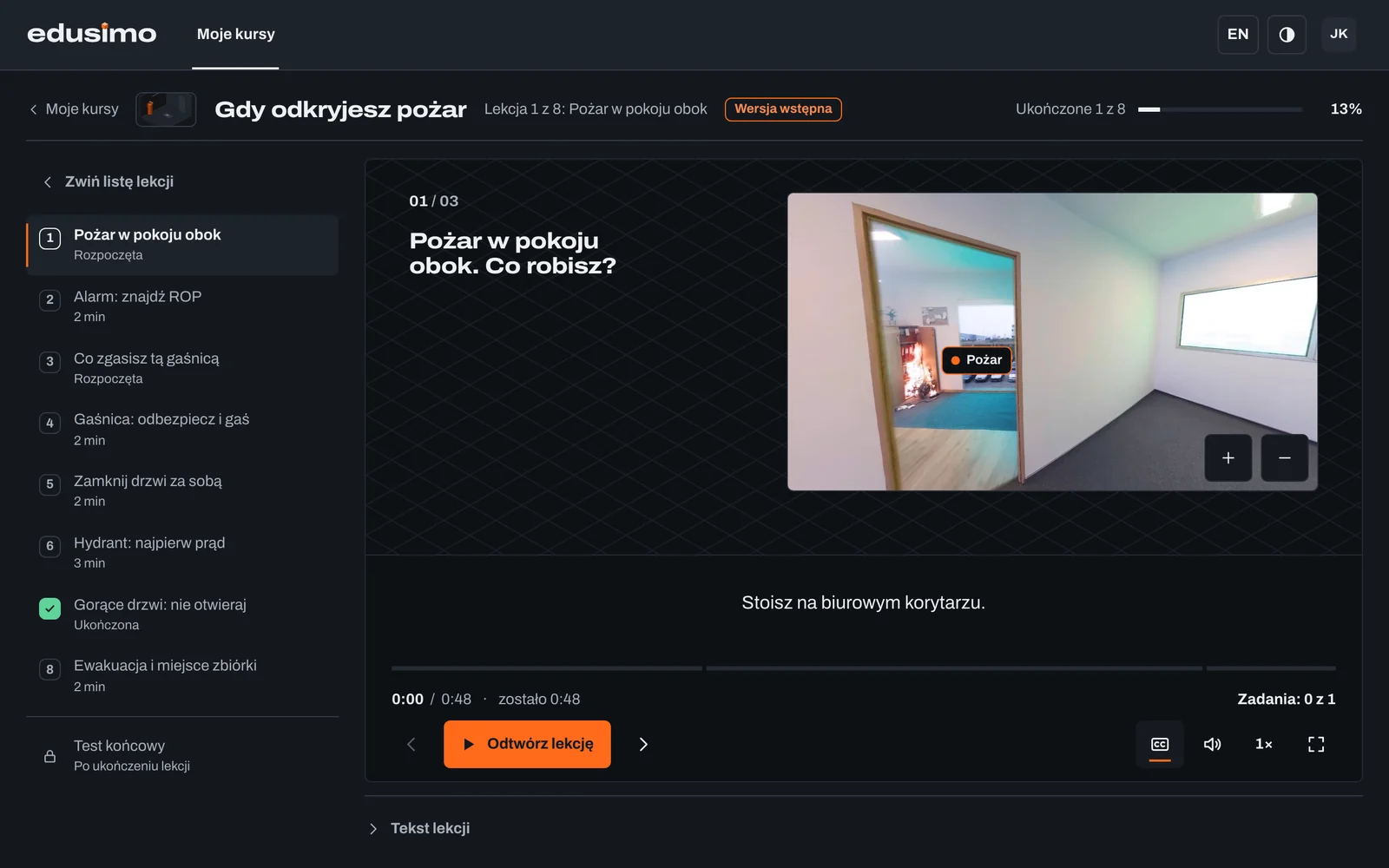
A simulation in the lesson player
A simulation is as much part of the course as a narrated slide. It counts towards progress, has its own result and also works in a SCORM package in your LMS.
How SCORM courses work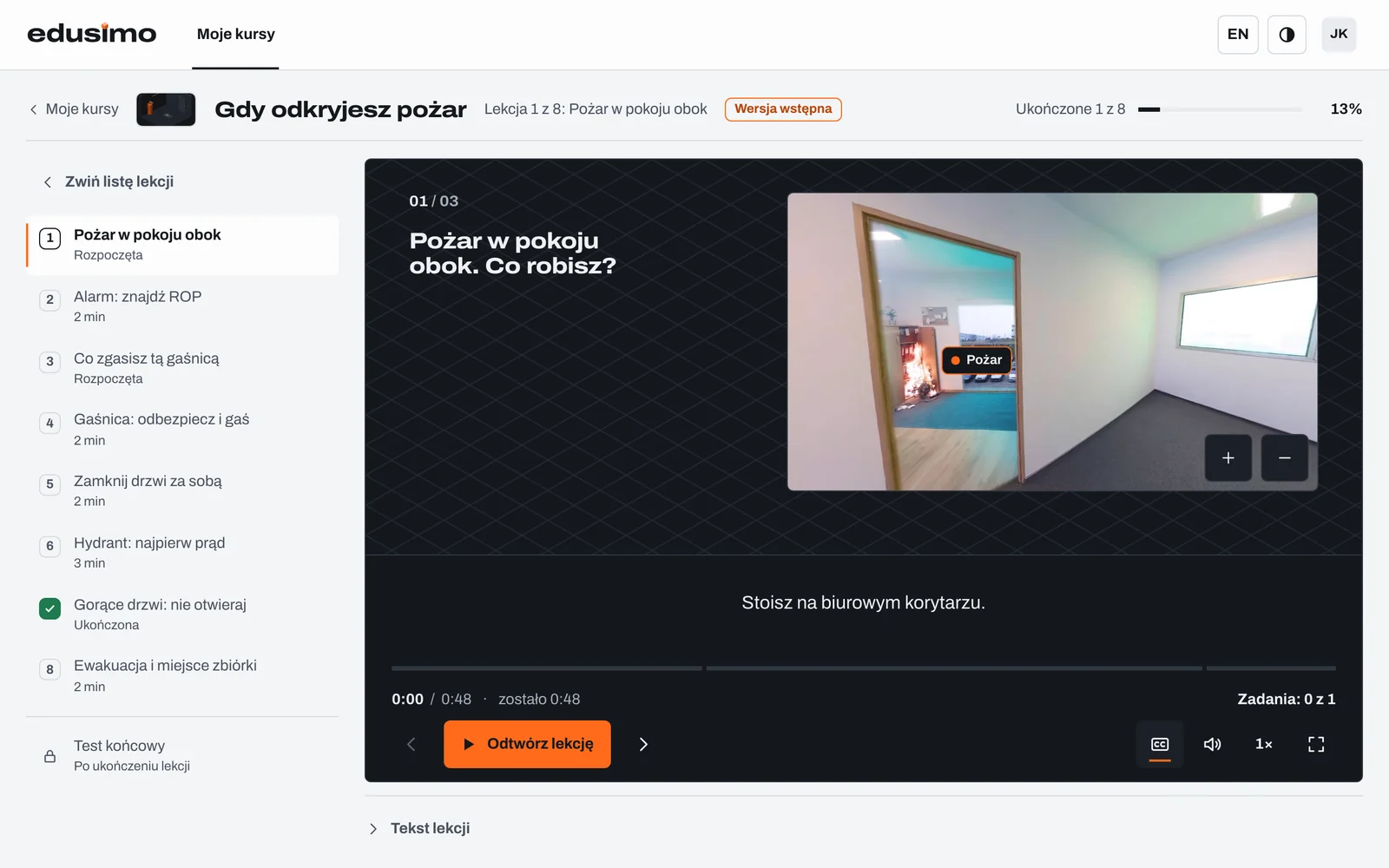
Need your own simulation?
A machine, a workstation, a procedure. We build custom simulations and put them into a course on our platform or in your LMS.
Custom trainingQuestions and answers
- Do the simulations need special equipment?
- No. Edusimo simulations run in the browser on a computer, phone or tablet, with no install.
- What if the computer cannot show 3D graphics?
- The learner sees a description of the task and what happened, and can move on. Blocked graphics do not stop the course.
- Do simulations work in a SCORM package?
- Yes, we are preparing SCORM courses with simulations. The simulation result counts towards course completion in your LMS. The integration is in progress.
- Can you build a simulation of our machine or procedure?
- Yes. We build custom 3D simulations, from script to rollout.
We'll show you a lesson live
Thirty minutes online. You'll see a lesson, a task and the company dashboard, and we'll talk about what you need.