Fire safety for employees Fire safety training online: the first minutes of a fire
The learner walks through an office fire step by step: raise the alarm, reach for the extinguisher, decide whether to fight the fire, close the doors and leave by the escape route. All in 360 degree panoramas and short narrated lessons, in the browser. Firefighters with years of practice helped build the course.
What the course teaches
Alarm and calling for help
Who to alert and how, before you do anything else.
Extinguisher and hydrant
When to fight the fire and when to walk away. How to use an extinguisher, where to find a hydrant.
Doors and smoke
Why a closed door buys time and how to check for fire behind it.
Evacuation
Escape route, assembly point and what not to do on the way.
What learning looks like
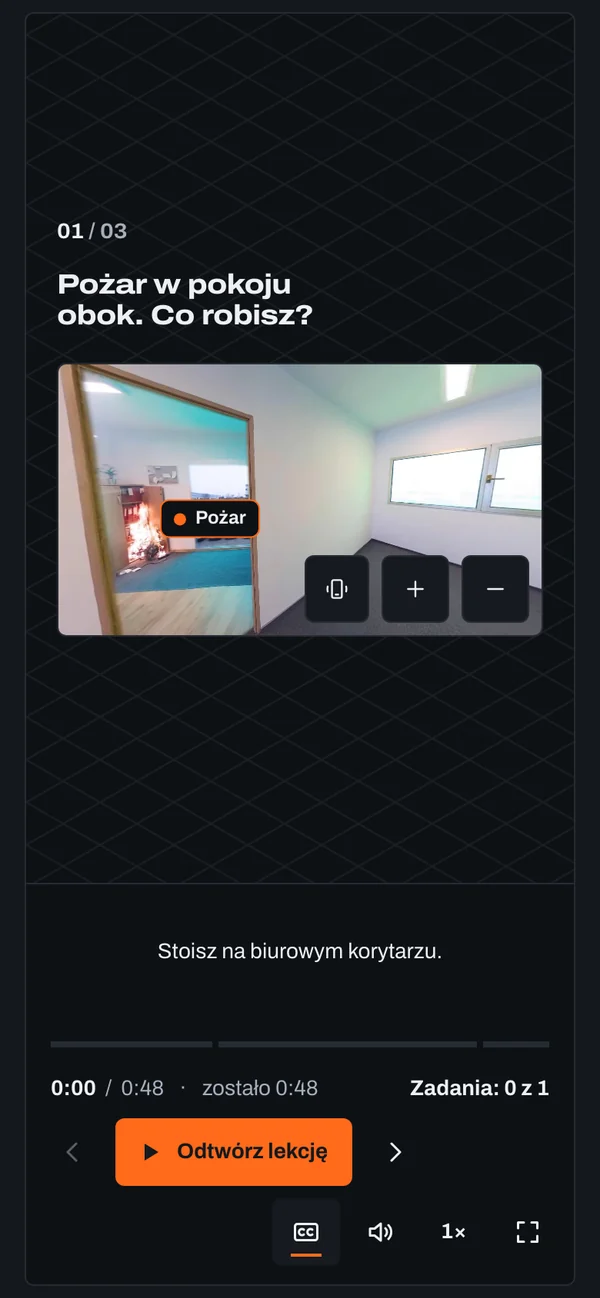
Instead of textbook photos the learner looks around the office in a 360 degree panorama: drag the image or turn the phone to find the extinguisher, the alarm button and the exit.
How it works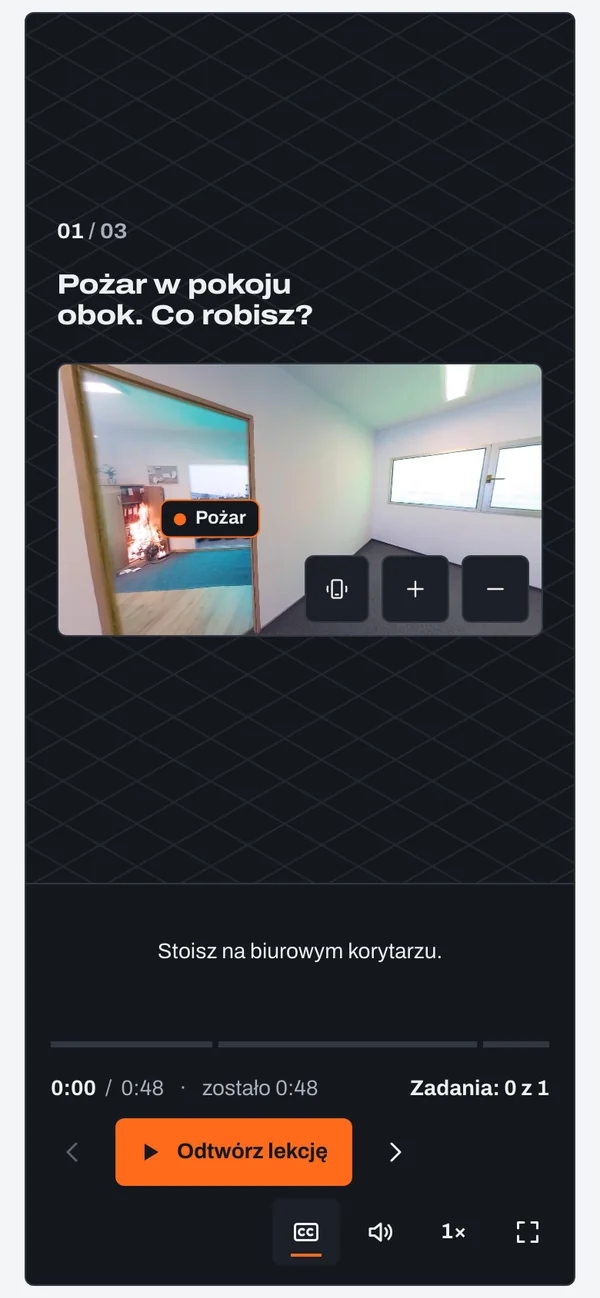
Courses on this topic
Training module
In progressWhen you discover a fire
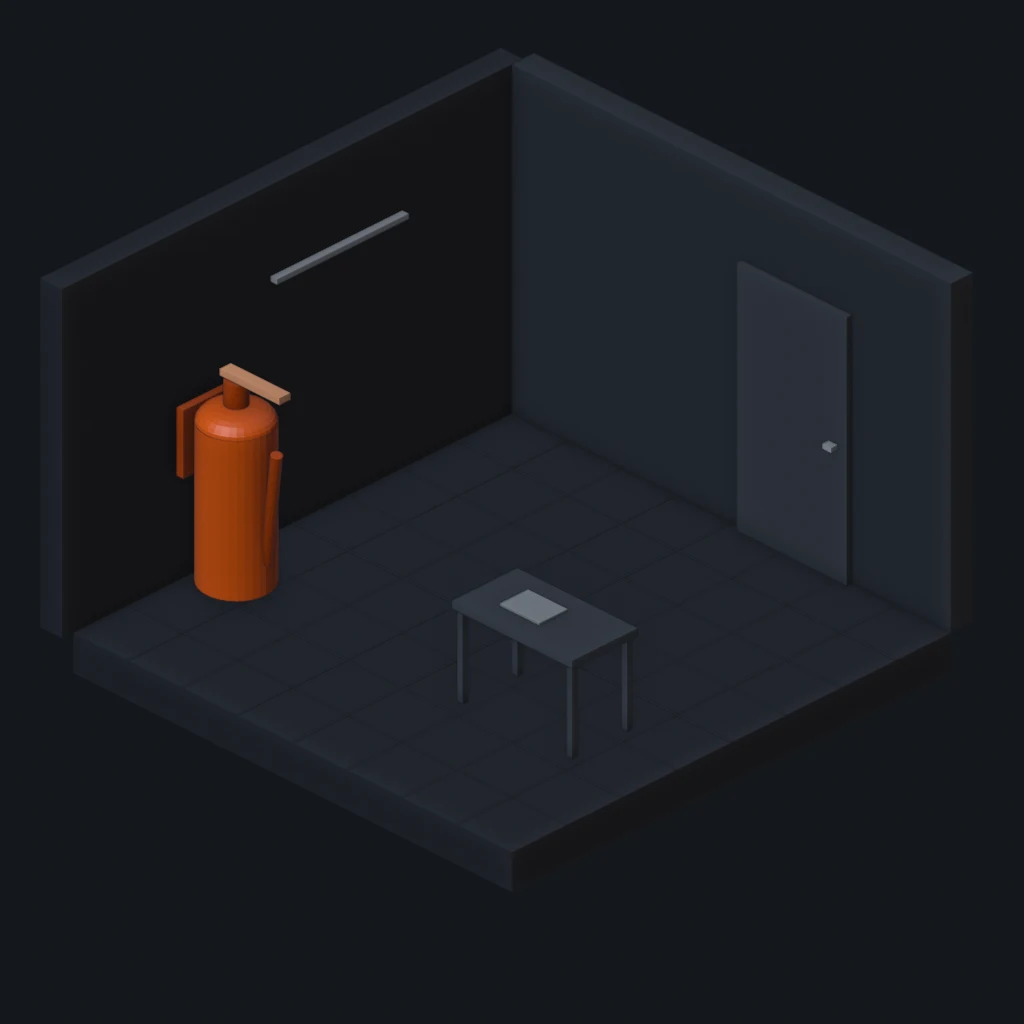
Go through an office fire step by step, in 360-degree panoramas: alarm, fire extinguisher, fire hose reel, closed door and evacuation. 8 short lessons with English captions (no English voice-over) and a test.
Training module
In progressPan on fire: you have 90 seconds
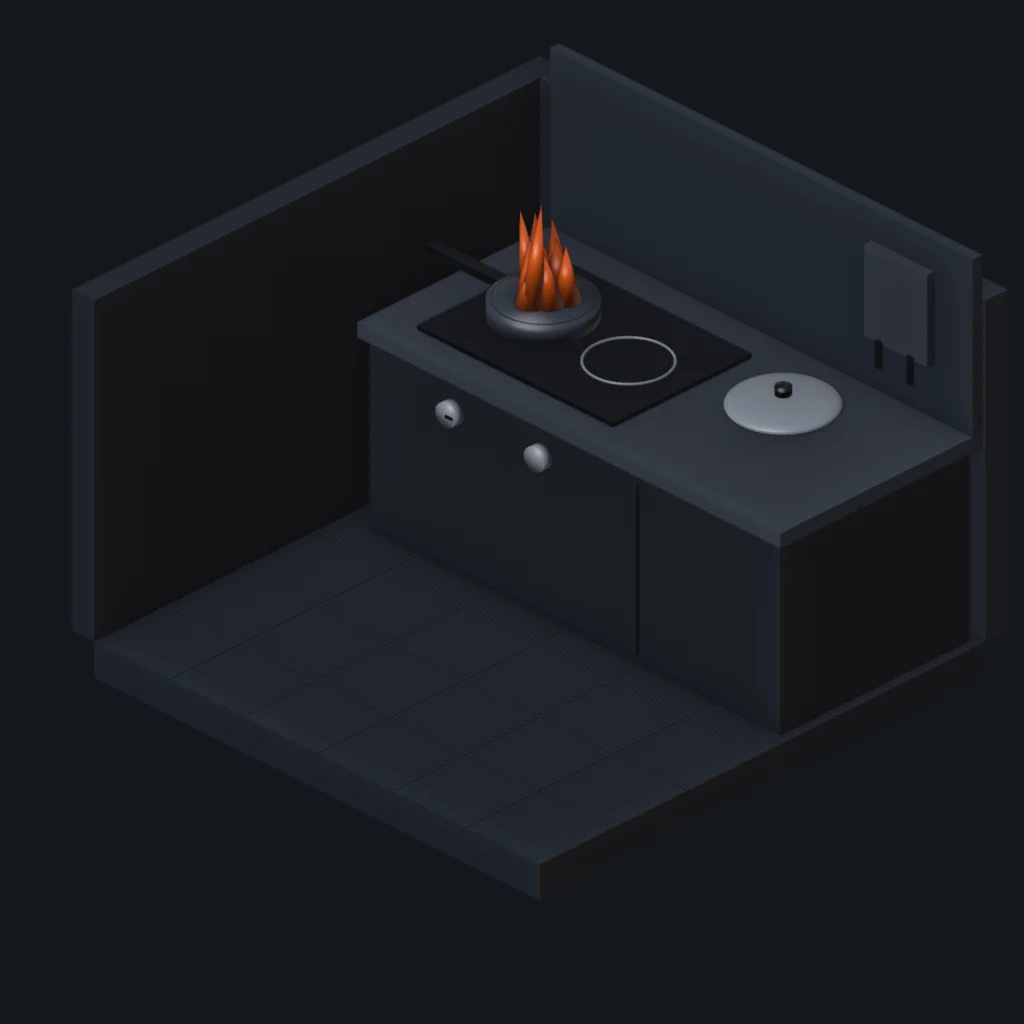
A sample module of a fire safety training. The oil in your pan catches fire: see in 3D what water does, and practise the moves that put the fire out: turn off, cover, leave it. 3 lessons and a short test.
Questions and answers
- Who is online fire safety training for?
- For people working in offices, shops, warehouses and schools who need to know what to do in the first minutes of a fire. The course teaches decisions, not combustion theory.
- Will an online course teach me to use an extinguisher?
- It teaches when and how to use it, step by step. Practice with a real extinguisher is worth doing in a hands-on session.
- Is the course available in English?
- Not yet. The first fire safety course is in Polish and in progress. Tell us which language you need.
- Does the course work on a phone?
- Yes. You explore the 360 degree panoramas by dragging with a finger or turning the phone.
We'll show you a lesson live
Thirty minutes online. You'll see a lesson, a task and the company dashboard, and we'll talk about what you need.